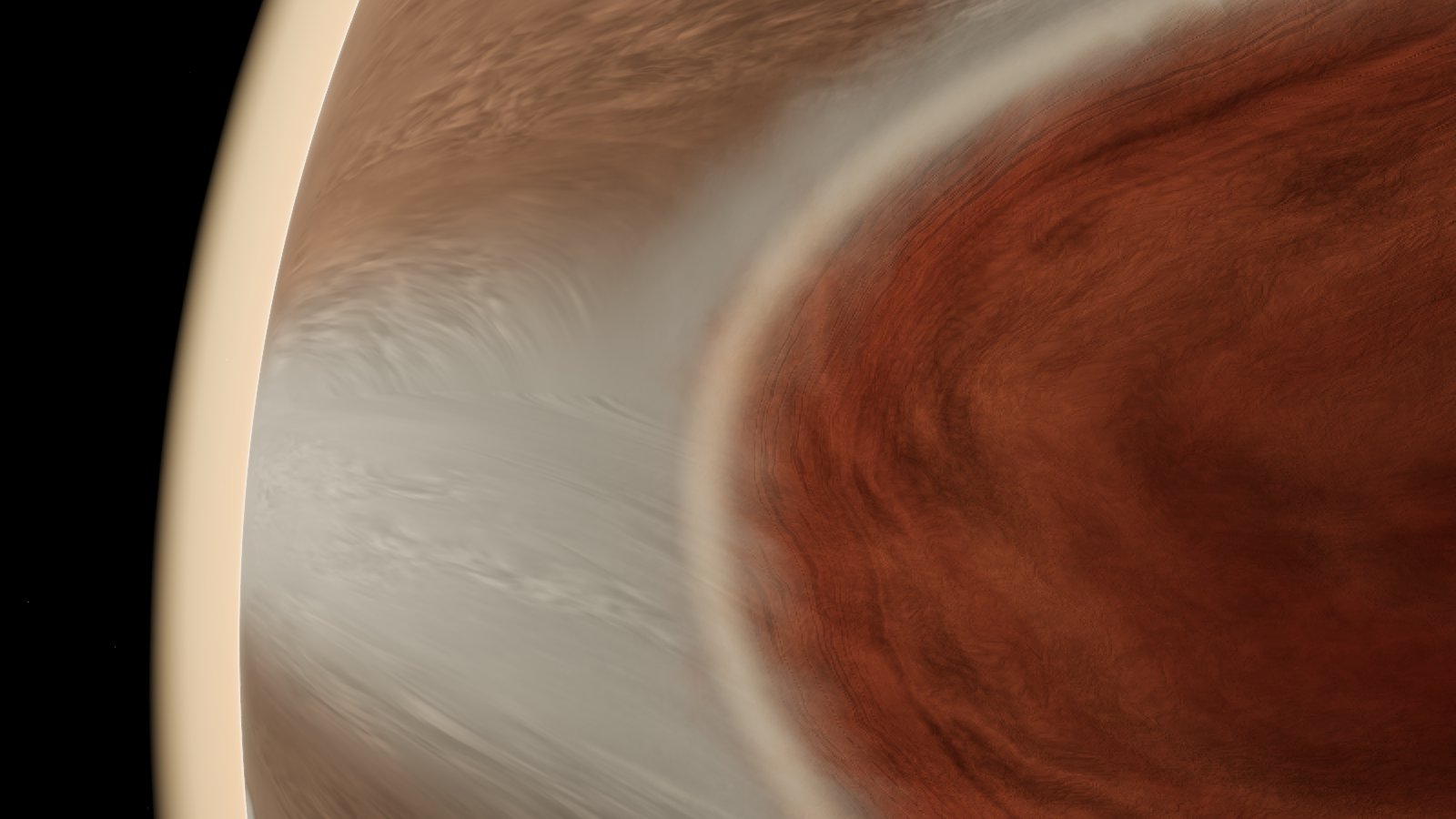
Jupiter, on measured winds
Jupiter's cloud bands move on winds measured by the Hubble Space Telescope, and the Great Red Spot drifts the way it has been tracked drifting.
Fly the real Solar System on any date, follow real spacecraft paths, visit the nearest stars, and then change things in the What-if lab and let real gravity decide what happens. Every number on screen says where it came from.
What's new ↓Free, and it plays right in your browser: no install. The first load is about a 50 MB download, so give it a moment (on a phone, Wi-Fi helps). It works on computers and phones.
Jupiter's cloud bands move on winds measured by the Hubble Space Telescope, and the Great Red Spot drifts the way it has been tracked drifting.
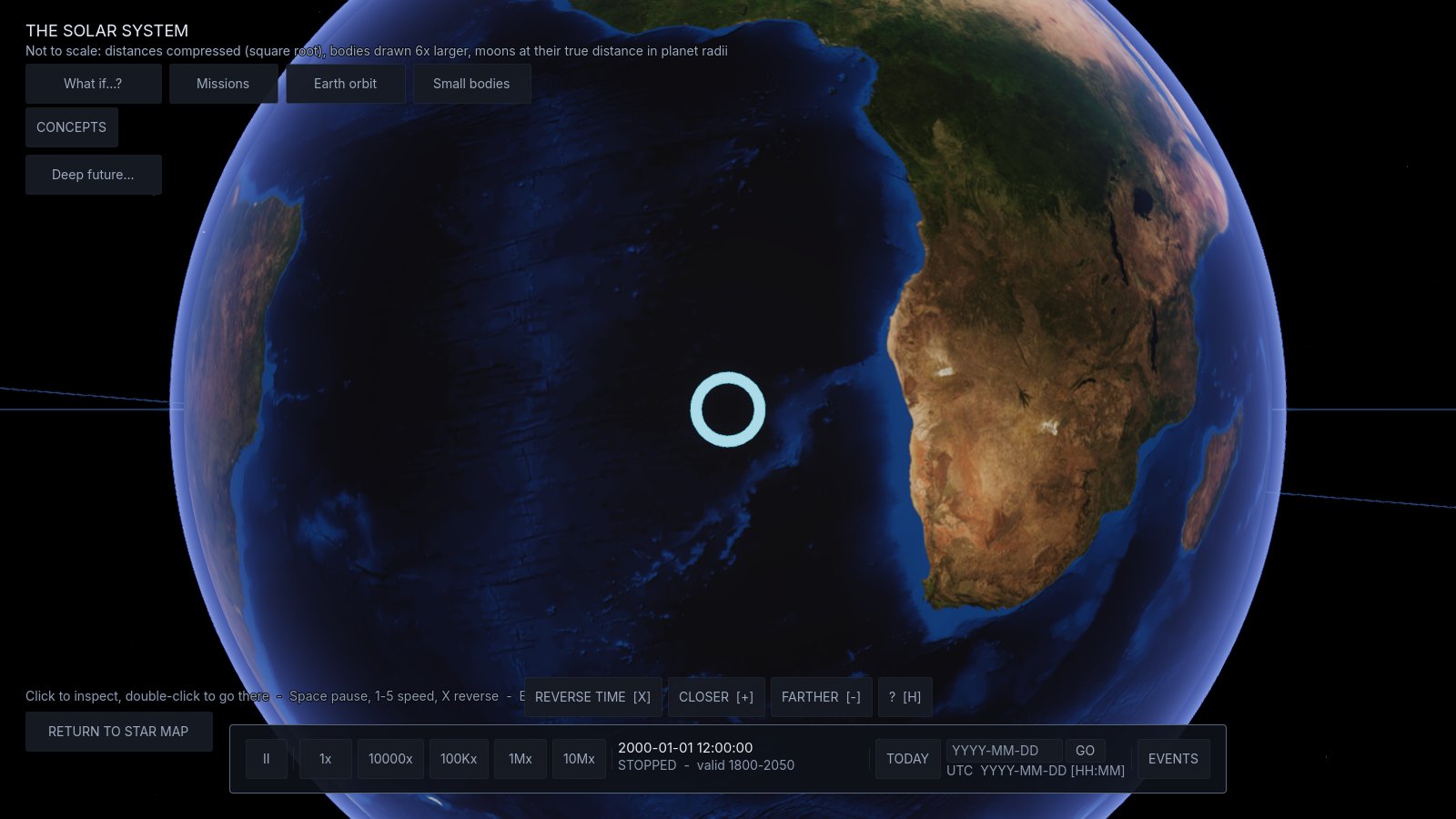
Today, a date you pick, or a famous event: the planets and their moons sit where they really were, with real seasons and photo maps.
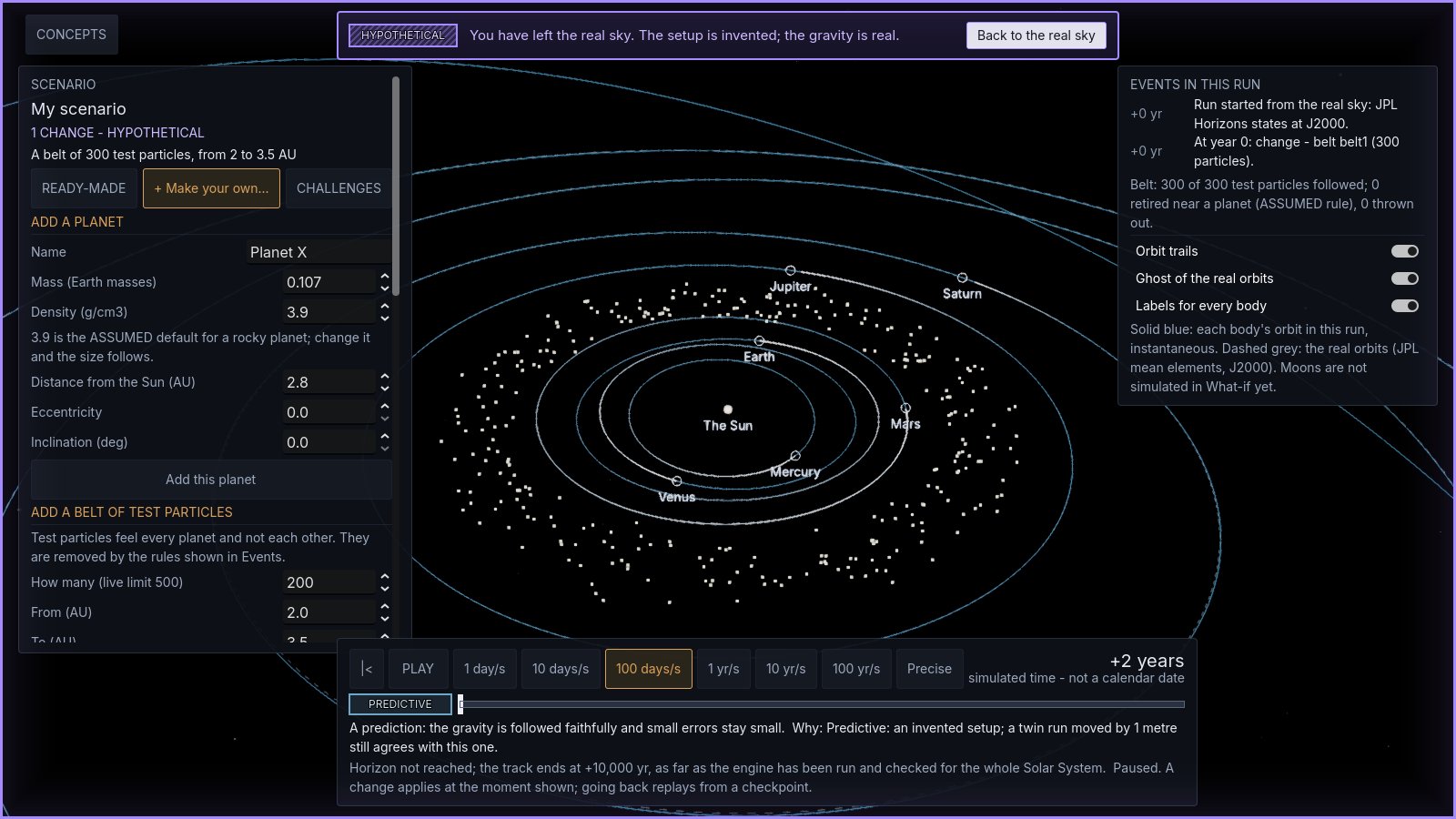
Remove Jupiter. Add a planet. Build an asteroid belt. The gravity engine is checked against NASA JPL's DE441 planetary ephemeris, and anything made up is framed in violet, so it never looks like the real sky.
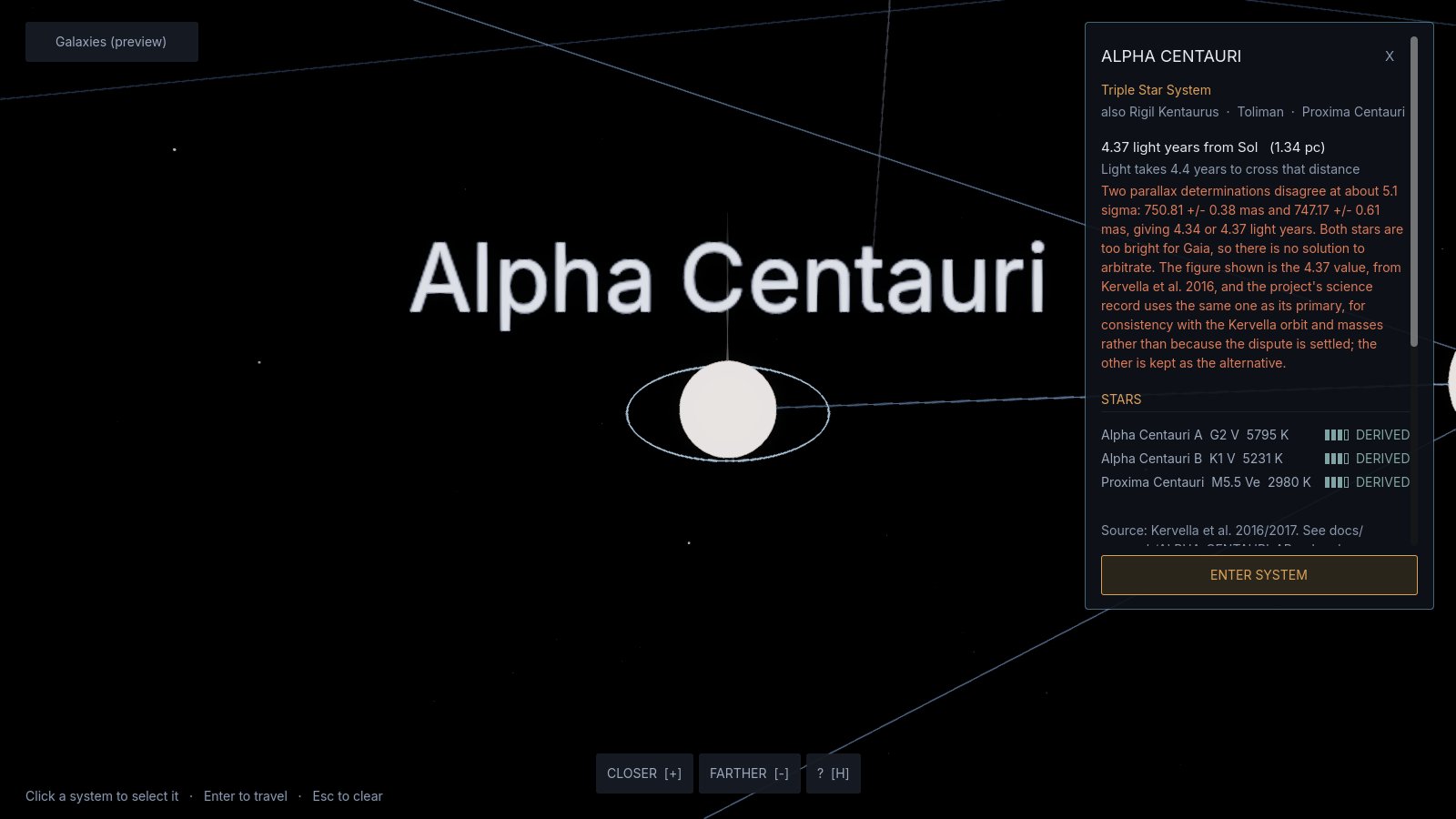
A 3D map of our stellar neighbourhood that takes you to Alpha Centauri, Barnard's Star and the seven planets of TRAPPIST-1.
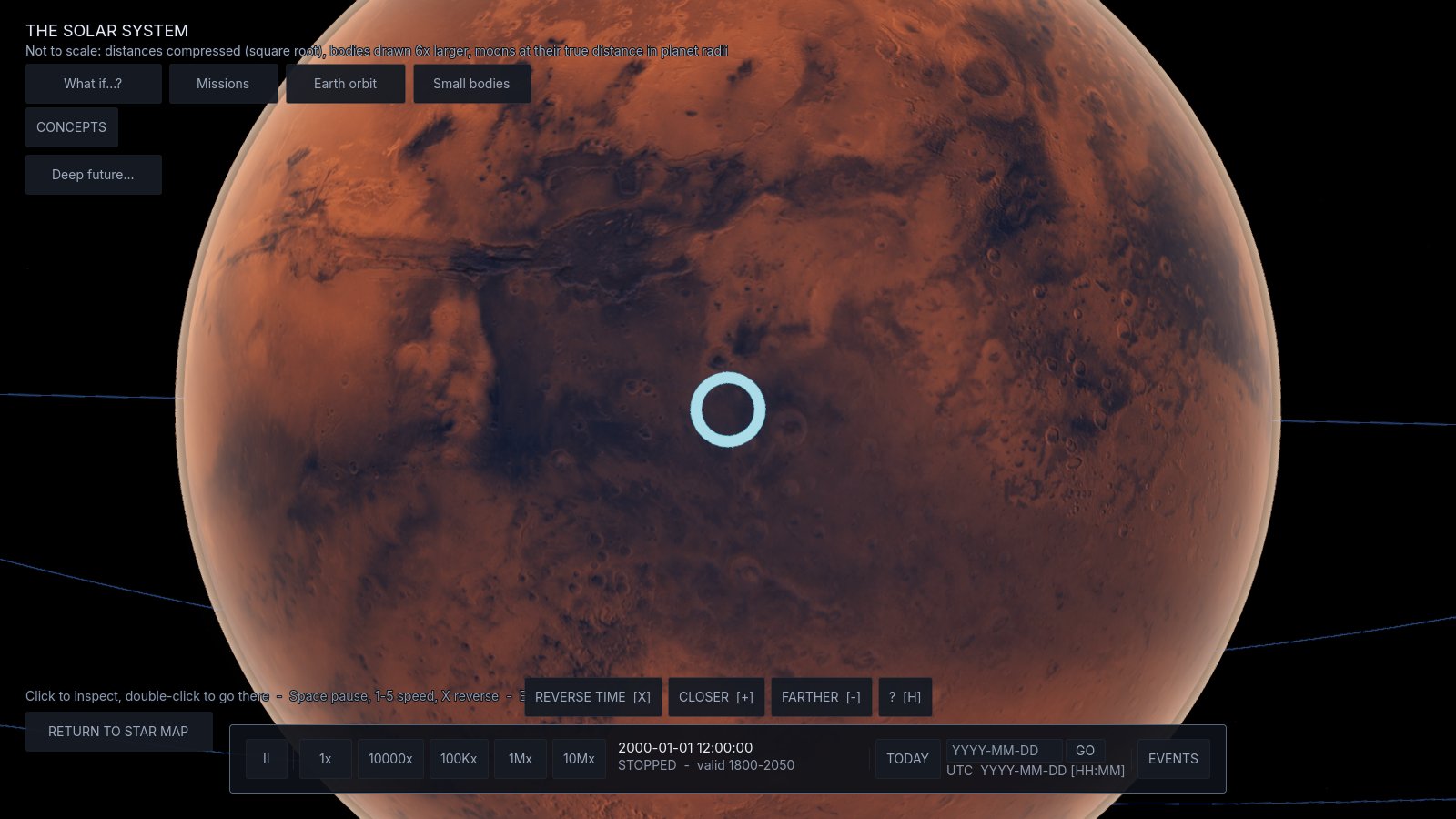
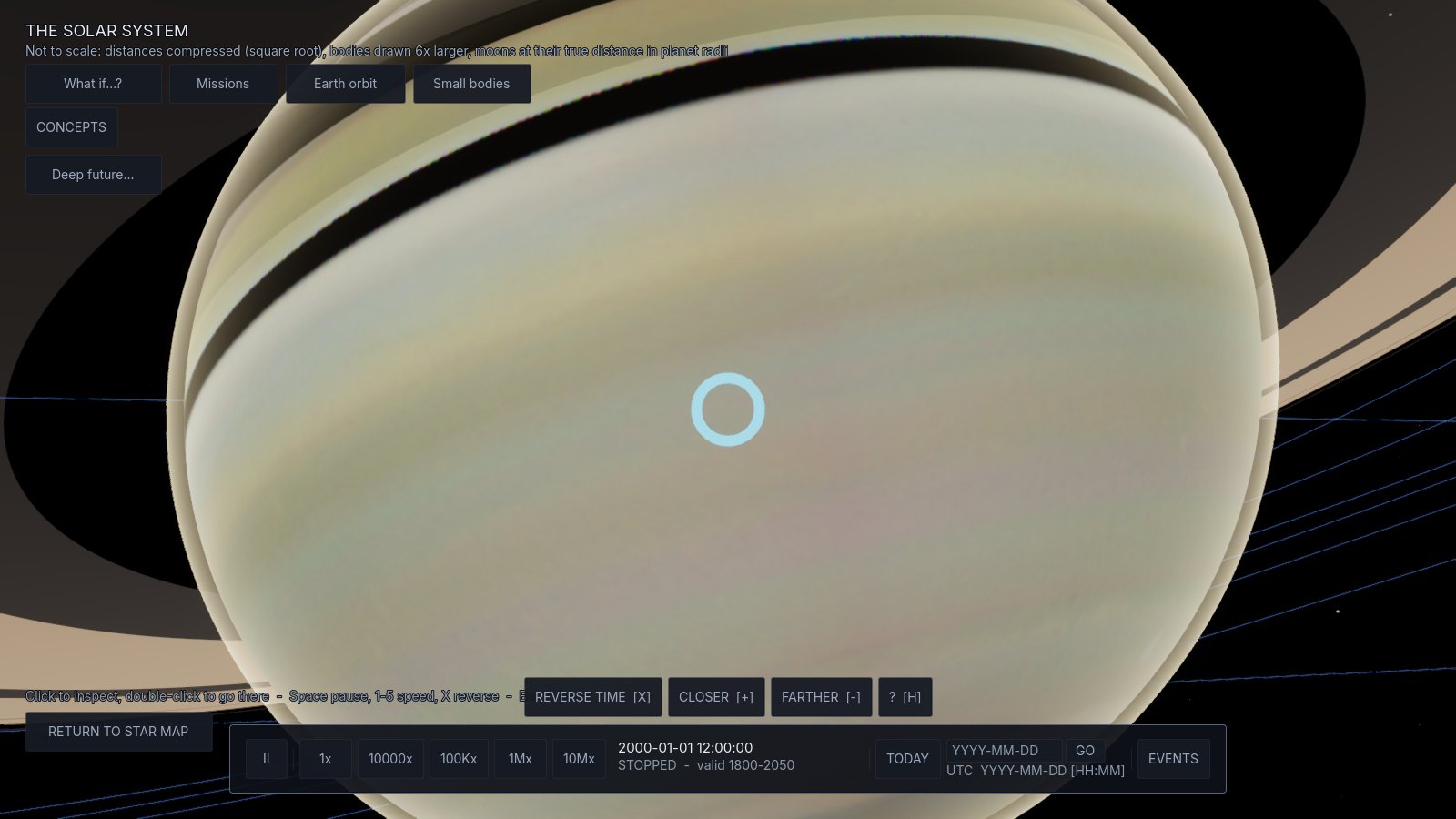
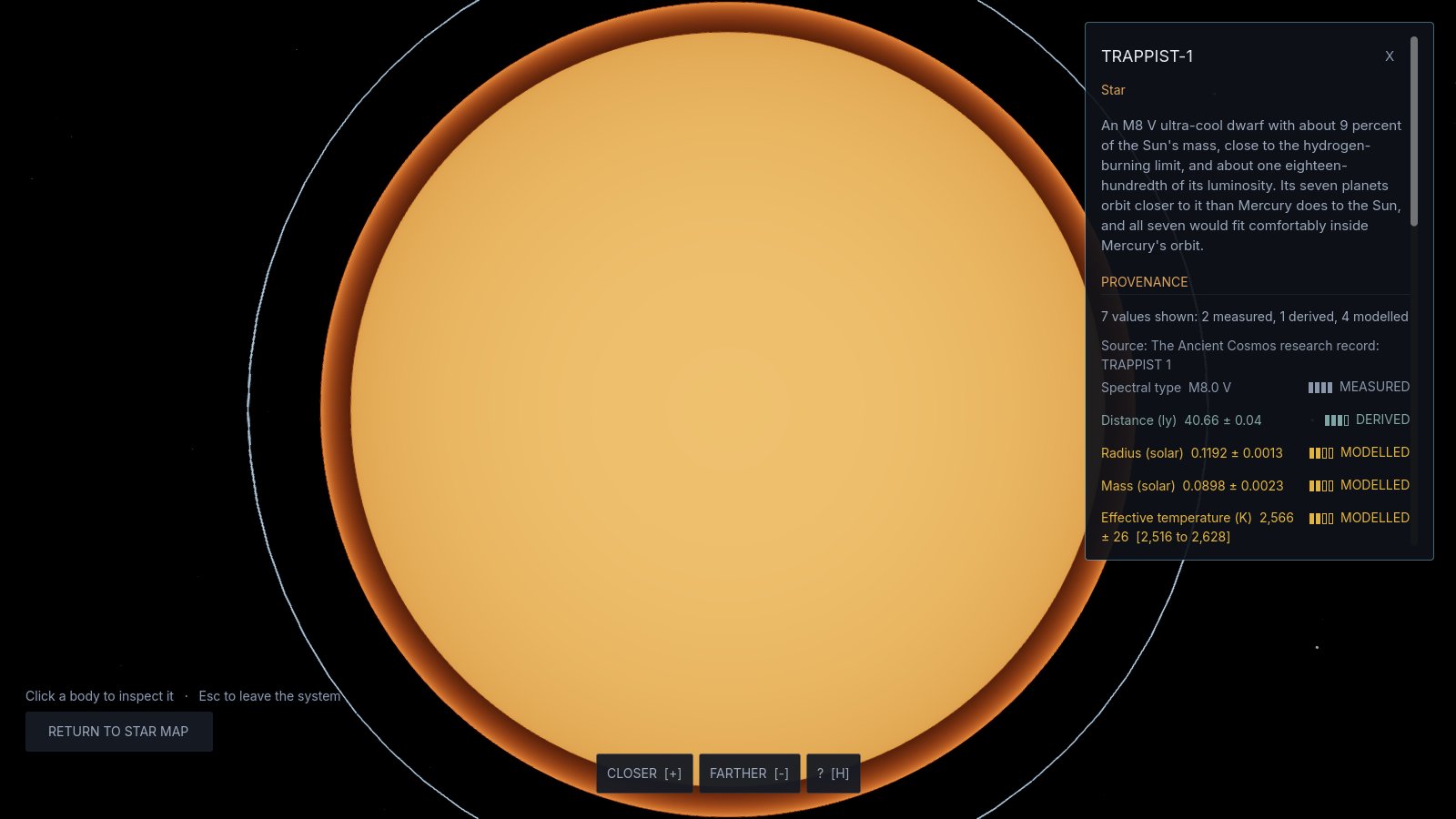
Each number is labelled measured, derived, modelled, assumed or unknown, with where it came from. If a source can't be found, the Explorer says so.
Hypothetical setups live in their own violet frame, with one click back to the real sky.
Maps and pictures are public domain, NASA, or openly licensed with credit.
Every update, newest first, and what's planned next.
Fly the TAC ship across the Solar System. Seven missions: circle the Moon, borrow speed from Venus, dive to Jupiter’s Great Red Spot, thread Saturn’s rings, find Voyager 1 where it is today, meet Halley’s Comet in 2061, and an imaginary trip to Proxima Centauri. The navigation computer plots real gravity routes and waits for the planets to line up; time warp, orbit arrivals, medals in a pilot log, and the route on the bridge hologram.
Walk the TAC ship’s bridge, see where the spacecraft are, and every known star system within 16 light years.
The real TAC ship flies. The ship in the flight zone is now the real TAC ship. Also new: Jupiter Dive’s layers and film pictures inside the Great Red Spot dive, a coppery red Moon in lunar eclipses, four Journeys (eclipses, the Moon, Mars, Saturn) and three What-ifs: Planet Nine and a hidden planet’s two passes.
Smoother on phones. Phones now draw fewer pixels so every view runs smoother, and a new Low-power mode in Features turns itself on when a phone struggles. Nothing measured or labelled changes.
Jupiter on real time. Jupiter Lab now uses the real Sun and Jupiter's official spin, and its moons sit where NASA's numbers put them, so eclipse and shadow times match the real sky. A new switch shows moon transits the way they look from Earth.
The Sun's whole life in Deep Future. Scrub forward and watch the Sun slowly brighten, swell into a red giant 256 times its size and swallow Mercury and Venus, with Earth's fate shown both ways because scientists still disagree. Life's endings are stops on the timeline now, and a new Milestones list shows everything out to trillions of years.
Six new concepts. Why there isn't an eclipse every month, eclipses that come back every 18 years, the two kinds of month, a day on Mercury lasting two of its years, the Sun rising in the west on Venus, and why Venus changes shape and size.
A dive to the Great Red Spot. In Jupiter Lab (Camera > Close to the Great Red Spot), fly down to the storm in seven stops, from 200,000 km out to just 60 km above its clouds. Each stop tells you what's known about the storm: its size, its winds, the jets on either side, how deep it probably goes. The clouds are drawn from rules and real measurements, not photographed.
Brighter stars and smoother Jupiter. The stars behind every world now shine at full brightness in the browser, and Jupiter's haze picks its own level of detail to keep your device running smoothly. To choose it yourself, use the new “Atmosphere detail” setting in Jupiter Lab.
Journeys. Three guided tours: from the Sun out to Neptune (stopping at the April 2024 eclipse), the nearest stars (into Proxima b and TRAPPIST-1), and the spacecraft that left (the Voyagers and New Horizons). The camera takes you stop by stop, every number comes from the app's own sources, and there's a short quiz and a stamp at the end.
Make your own What-if. Send in your own rogue planet, give any planet a moon, change a planet's mass or distance with sliders, plus three new ready-mades (Earth without the Moon, Mars at Earth's distance, a second Jupiter where Saturn is) and a “keep Mars's moon” challenge.
Fly the TAC ship (early test). A stand-in ship near a real-size Earth, in easy mode or real-physics mode, with keys, a gamepad or two thumbs on a phone. It's marked as gameplay, and the real ship model comes later.
Sunlight on the oceans. Earth's seas now catch the Sun: a glint that follows the Sun and your view, hidden under clouds and at night.
Help in every world. What-if and the Deep Future now have the "?" help list with Credits and Report a bug, and if your browser blocks the bug page, a link to it appears at the top of the page.
Faster start-up. The title screen opens about twice as fast, and the planet pictures arrive in the background while you read it.
Easier browsing on phones. What-if's lists and “What's happening now” are much quicker to get through: shorter cards, taller lists, and buttons that jump straight to a section.
Clouds on Earth. Real clouds from one day, 21 September 2026, from a NASA satellite picture. They go dark on the night side, and you can switch them off in Earth's panel.
What-if: four new scenarios. A second Earth beside Mars, Venus and Earth swapped, Saturn removed, and a planet as heavy as Jupiter flying through on the real path of the interstellar visitor ʻOumuamua. Plus two new challenges, and share links so you can send a scenario to a friend.
More spacecraft at work. “What's happening now” shows SOHO, DSCOVR, Euclid, IMAP, Carruthers, SWFO-L1, BioSentinel and Europa Clipper, with launch dates from NASA, ESA and NOAA.
What-if: 9 ready-made scenarios and 6 challenges. Blow up a planet between Mars and Jupiter and watch where the pieces go, with the evidence for why scientists reject that idea. Watch the real Trojan asteroids that ride along with Mars. Shrink the Sun to a red dwarf, suddenly or slowly. Make Jupiter twice as massive. Double the Moon's distance and see Earth lose it.
A better Earth. A sharper NASA map, city lights on the night side (NASA Black Marble 2016), and a surface that follows the seasons: snow in January, green in July.
Phones, round three. A markers button, reverse time on the star map, What-if now opens showing out to Jupiter, the galaxy view and the Deep Future timeline work on phones, and fixes for taps that seemed to do nothing.
Built for phones. Readable text, pinch to zoom, press and hold anything to read what it does, and What-if panels that fold away so you can watch the planets.
Your town's sky. Pick your town to see when the Sun, Moon and planets rise and set, what's up right now, and whether the next eclipse can be seen from there.
What's happening now. The sky on any date: the Moon's phase, where the planets are, upcoming eclipses and events, and which spacecraft are flying.
First early preview. Free to play in your browser.
One short email when a new version is out, plus new episodes and free tools.
Optional: the Explorer is free without an email. Unsubscribe any time. Handled by Kit.